



Architecture Visualization in Kukatpally
Learn Architecture Visualization at Arena Animation Kukatpally, Hyderabad, and explore how architectural designs can be transformed into realistic 3D models, interior views and visual presentations. Architecture visualization combines 3D modelling, materials, lighting, rendering and digital presentation techniques to communicate architectural concepts before construction.
This course area is suitable for students and creative learners interested in architectural visualization, interior design presentations, 3D environments and digital rendering. Develop an understanding of how to create visual representations of buildings, interiors and landscapes using digital design tools and visualization workflows.
Course enquiry form
excellence
Creative Education with Real-World Skills
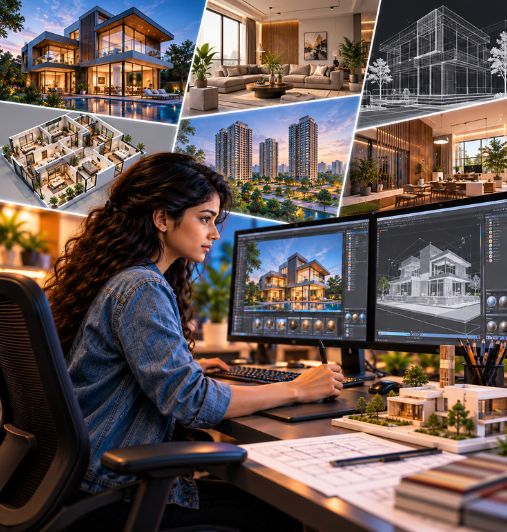
Architectural visualization helps transform design concepts into detailed digital presentations. Through 3D models, materials, lighting, camera composition and rendering, proposed interior and exterior spaces can be presented in a way that makes their appearance easier to understand.
If you are looking for an Architecture Visualization Course in Kukatpally, Arena Animation Kukatpally, Hyderabad, offers the Advanced Program in Architectural Visualization and Interior Design.The program combines foundational design and visualization with advanced 3D workflows and immersive visualization. Its published curriculum includes introductory AutoCAD, 3ds Max modelling, texturing and lighting, SketchUp, Blender, rendering, post-production, Unreal Engine and architectural visualization with Twinmotion. The course is listed with a duration of 580 hours.
Architectural visualization can be useful for presenting interior concepts, residential and commercial spaces, materials, lighting arrangements and proposed environments. The aim is to communicate how a space may look through digital visuals rather than replace the architectural design or construction process itself.
At Arena Animation Kukatpally, students interested in 3D architectural visualization in Hyderabad can explore the course curriculum, software coverage, practical project expectations and admission requirements before choosing this learning pathway.
Why Choose an Architecture Visualization Course?
Architectural visualization brings together digital modelling and visual presentation. It helps turn a design reference or prepared model into an image or animation that communicates the intended appearance of a space. Learning these workflows can be useful for people interested in 3D graphics, interior visualization, exterior rendering and digital presentation.
Develop 3D Modelling Skills
3D modelling is an important part of creating digital representations of rooms, buildings and other environments. Depending on the project, a model may include walls, floors, furniture, fixtures, architectural features and surrounding elements. Understanding how models are organised can make later stages, such as materials and lighting, easier to manage.
Understand Materials, Textures and Lighting
Materials and textures influence how surfaces appear, while lighting helps establish visibility, atmosphere and depth. A visualizer must consider how different surfaces respond to light and how a scene should be presented. Practical exercises in these areas can help learners improve the clarity and realism of their rendered images.
Create Better Visual Presentations
A rendered image can communicate design ideas more clearly than a basic model or plan alone. Camera position, composition, lighting and material choices help draw attention to important features. These presentation skills can support the work of architects, interior designers, property developers and visualization studios.
Build a Relevant Portfolio
A portfolio provides examples of what a learner can create. Interior renders, exterior scenes, 3D models and other completed visualization projects can demonstrate modelling, material application, lighting and rendering skills. The portfolio should reflect the subjects actually covered in the chosen course.
Architectural visualization training is different from a professional architecture degree. This course focuses on digital visualization and related creative workflows; completing it should not be presented as a qualification to practise as an architect.
Course Structure
Arena Animation Kukatpally lists the Advanced Program in Architectural Visualization and Interior Design, with a published duration of 580 hours. The course is organised into three terms, moving from design and visualization fundamentals to advanced 3D and immersive visualization workflows.
Module 1
Introduction to Architecture Visualization
- Learn the basic concepts of architectural visualization and how digital tools help present building and interior design ideas.
- Introduction to architectural visualization
- Fundamentals of architectural design
- Understanding floor plans and elevations
- Scale, proportion and spatial awareness
- Principles of perspective
- Composition and visual presentation
- Introduction to 3D visualization workflows
Module 2
3D Modelling and Architectural Elements
- Learn how to create three-dimensional representations of buildings, rooms, furniture and other architectural components.
- Introduction to 3D modelling
- Building structures and architectural forms
- Walls, doors, windows and staircases
- Interior layouts and furniture modelling
- Architectural detailing
- Basic 3D scene organisation
- Model preparation for visualization
Module 3
Materials, Texturing and Surface Detailing
- Explore how to apply materials and textures to make architectural models look more realistic.
- Material properties and surface appearance
- Wood, glass, metal and stone materials
- Wall and floor finishes
- Texture mapping
- Material colours and reflections
- Surface detailing
- Realistic material presentation
Module 4
Lighting and Rendering
- Understand how lighting, shadows and rendering settings influence architectural presentations.
- Natural and artificial lighting
- Interior and exterior lighting
- Light, shadow and contrast
- Camera positioning and composition
- Rendering fundamentals
- Image quality and output settings
- Daylight and night-time visualisation
Module 5
Interior and Exterior Visualization
- Apply modelling, materials and lighting techniques to architectural and interior scenes.
- Interior room visualization
- Living room and bedroom scenes
- Kitchen and commercial interiors
- Exterior building visualization
- Landscape and surrounding environments
- Furniture and decorative elements
- Camera angles and presentation views
Module 6
Final Projects and Portfolio Development
- Bring together modelling, materials, lighting and rendering skills to create architectural visualization projects.
- 3D interior room visualization
- Residential building exterior
- Kitchen or living room rendering
- Commercial interior visualization
- Architectural material and lighting study
- Final rendered presentation boards
What Will You Learn?
The learning outcomes depend on the projects and exercises included in the course. Based on the published curriculum, students can explore the following areas.
3D Modelling for Architectural Spaces
The course includes introductory AutoCAD, modelling with 3ds Max, SketchUp and Blender. These tools support different stages of digital modelling and scene preparation. Students can learn how 3D objects and environments are constructed and organised for visualization projects.
Interior and Exterior Visualization
Interior visualization focuses on presenting spaces such as rooms and other indoor environments, while exterior visualization presents the outside appearance and surroundings of a building. The course title and architectural visualization modules support a focus on visualizing spaces, but the specific interior and exterior project requirements should be confirmed with the institute.
Materials, Textures and Finishes
The curriculum includes texturing, realistic surface creation, UV mapping, materials and shading. These skills help learners prepare surfaces so that objects appear visually distinct and appropriate for their intended presentation.
Lighting and Camera Composition
Lighting affects the atmosphere, visibility and depth of a rendered scene. Camera placement and composition determine how the viewer sees the space. The course's colour and light, photography, texturing and lighting subjects provide a foundation for developing more effective digital presentations.
Rendering and Post-Production
Rendering turns a prepared 3D scene into a visual output. Post-production can involve refining the final image and adjusting presentation details. The published curriculum specifically includes rendering and post-processing in Blender, as well as rendering-related training in 3ds Max.
Animation and Immersive Visualization
The course includes animation-related subjects and immersive media with Unreal Engine, along with architectural visualization using Twinmotion. These topics can help learners explore animated or interactive presentations in addition to static rendered images. Confirm whether full architectural walkthrough projects are required as part of the current syllabus.
Portfolio and Project Presentation
Portfolio-focused subjects appear throughout the published course structure. A portfolio can show the final visual output and the process behind it, including modelling, materials, lighting and rendering. Learners should select examples that demonstrate the skills relevant to their intended career direction.
Walkthrough and Virtual Tours
Learn how to create animated walkthroughs and interactive virtual tours that guide viewers through architectural spaces. This may include camera path animation, scene transitions and real-time navigation to present a project from multiple perspectives.
Industry-Standard Software & Tools
The official program page lists several software applications used across its design, 3D visualization, animation and immersive learning modules. The current tool list includes Adobe Illustrator CC, Adobe Photoshop CC, Storyboarder, Adobe Premiere Pro CC, Adobe Audition CC, Adobe Animate CC, Adobe After Effects CC, Autodesk 3ds Max, Adobe Substance Painter, SketchUp, Blender, Unreal Engine, Twinmotion and generative AI tools.
The exact software used in each term should be confirmed with the institute. Do not assume that every listed application receives equal coverage or that tools such as V-Ray and Corona Renderer are included. They are not explicitly named in the retrieved program's published software list.
Autodesk 3ds Max
The course includes modelling, texturing and lighting, animation and rendering with 3ds Max. These skills are relevant to preparing 3D scenes and producing visual presentations of spaces and objects.
AutoCAD
The syllabus lists an introduction to AutoCAD. It is relevant to working with technical drawing and design references, although the depth of training should be confirmed rather than assumed to constitute professional architectural drafting training.
SketchUp
SketchUp is included as an introductory subject in the advanced 3D visualization term. It can support the creation and preparation of 3D models for visual presentation.
Blender
The course includes Blender modelling, UV mapping, texturing, materials, shading, lighting, animation, rendering and post-production. These topics support several stages of a 3D production workflow.
Unreal Engine
The program includes immersive media with Unreal Engine. This can introduce learners to real-time visualization and the presentation of digital environments. Confirm the specific real-time project requirements for the course.
Twinmotion
The official curriculum lists architectural visualization with Twinmotion. This tool is relevant to presenting 3D environments and architectural scenes. Ask the institute how Twinmotion is used in practical projects.
The published tool list also includes Photoshop, Illustrator, Storyboarder, Premiere Pro, Audition, Animate, After Effects and Substance Painter. Their role varies across image preparation, illustration, editing, animation and visual production. Students should request the current term-wise software list to understand which applications are taught in depth.
Career Opportunities
Architectural visualization can support several creative career paths involving 3D models, rendered imagery and digital presentation. The most suitable role depends on the learner's software skills, project experience, portfolio and the requirements of individual employers.
Architectural Visualizer
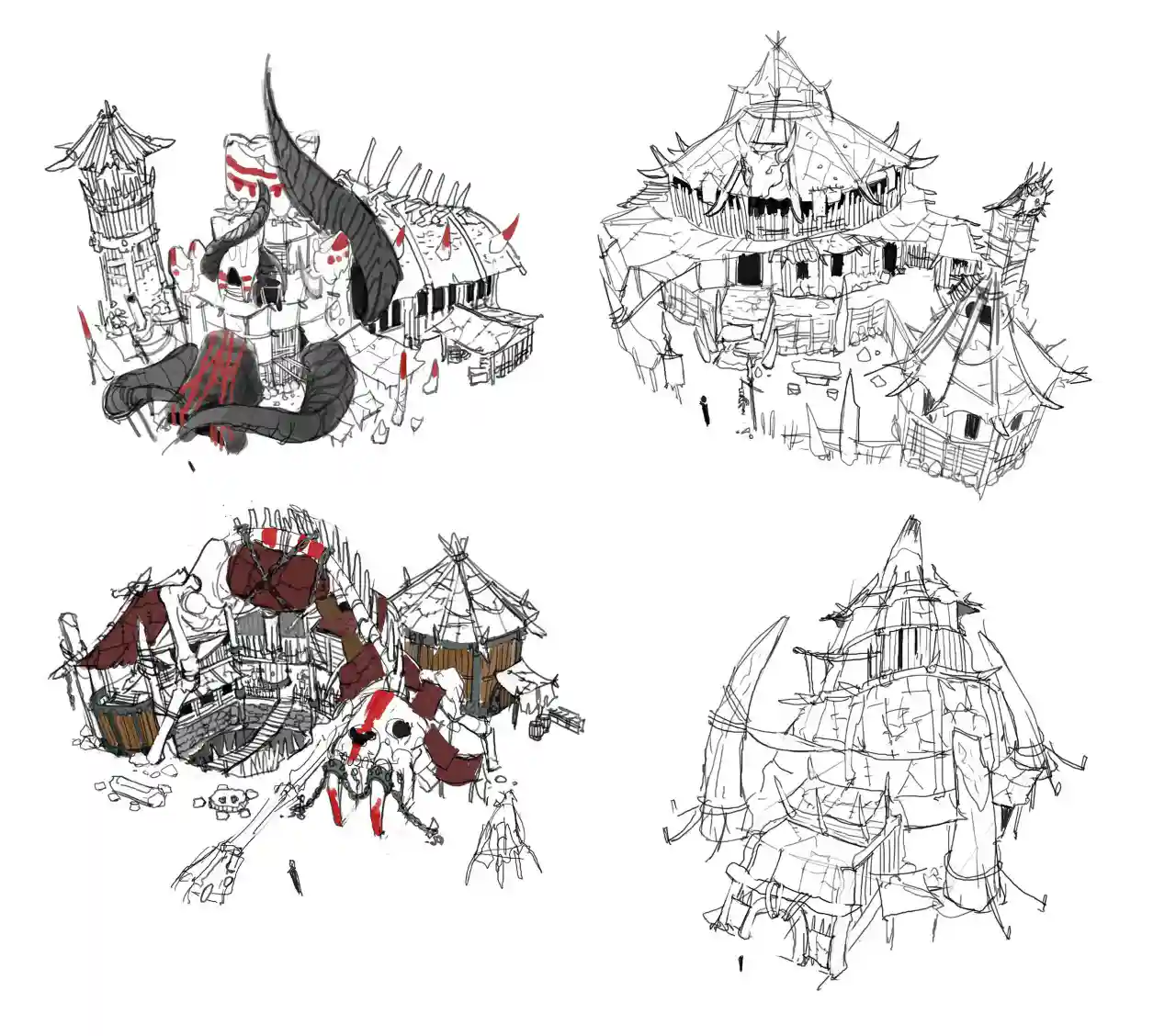
Architectural visualizers prepare digital images that communicate proposed architectural spaces. Their work may involve 3D scene preparation, materials, lighting, camera composition and rendering.
3D Architectural Artist
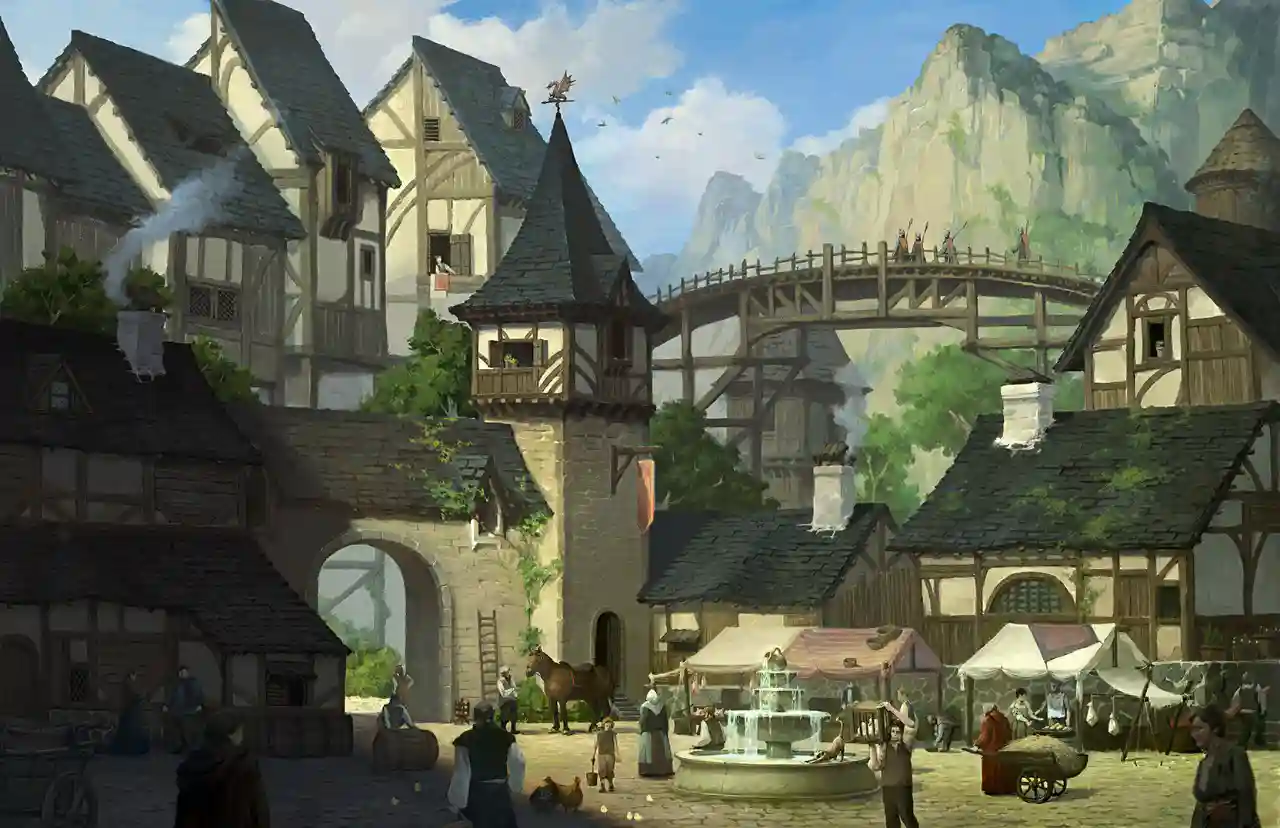
A 3D architectural artist creates models and visual scenes for architectural presentation. Depending on the role, responsibilities may include modelling structures, arranging objects and preparing scenes for rendering.
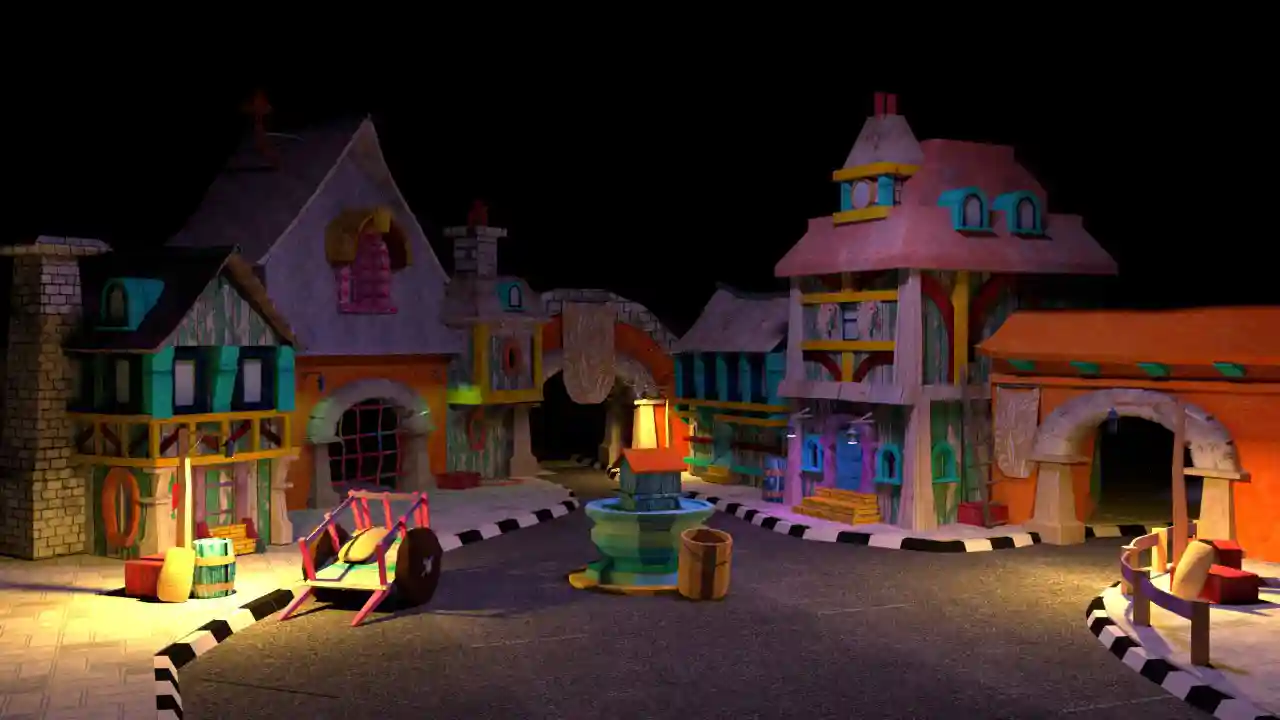
Interior Visualizer
Interior visualizers create digital presentations of indoor spaces. Their work may involve furniture placement, materials, lighting, surface finishes and camera views that communicate an interior concept.
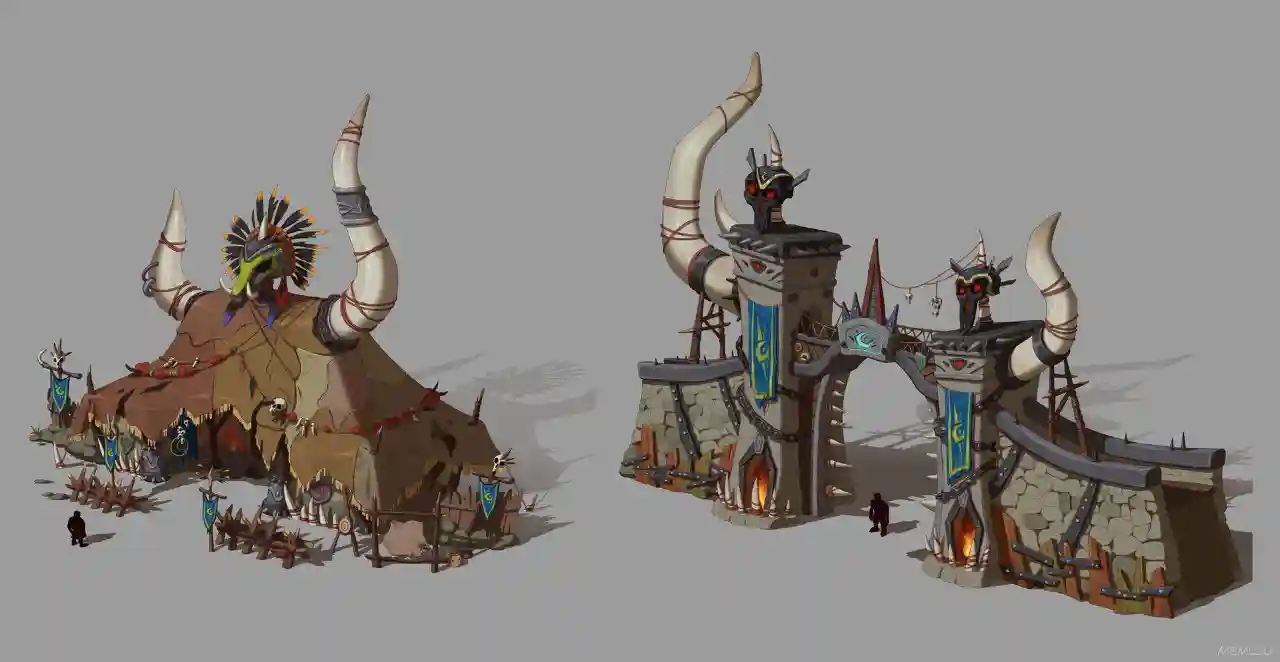
Exterior Rendering Artist
Exterior rendering artists prepare visual representations of a building's external appearance and surroundings. Skills in modelling, materials, lighting and scene composition are relevant to this work.

3D Modelling Artist
3D modelling artists create digital objects and environments. Depending on the employer, the role may focus on architectural assets, interior elements, props or broader 3D production tasks.

Architectural Rendering Artist
Rendering artists prepare and refine rendered images using appropriate scene settings, materials, lighting and output adjustments. Their work helps communicate the visual qualities of a proposed space.
These are potential career directions, not guaranteed outcomes. Employment depends on practical ability, software proficiency, portfolio quality, experience and employer requirements. An architectural visualization course does not, by itself, qualify a learner as a licensed or registered architect.
Student Work & Showreel
A strong portfolio can help demonstrate the quality and range of a learner's visualization skills. For an architectural visualization course, relevant examples may include interior room renders, exterior scenes, 3D models, material studies, lighting comparisons and completed visualization projects.
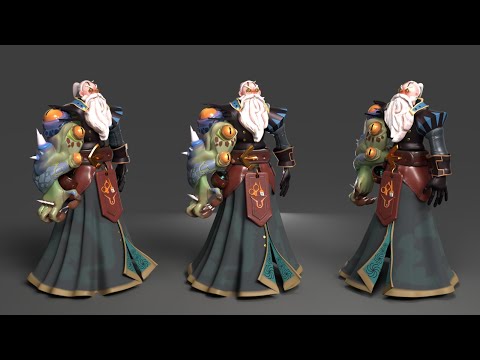
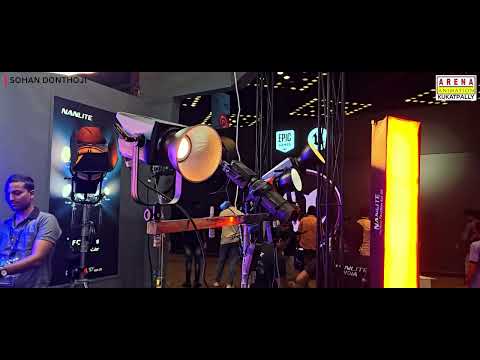
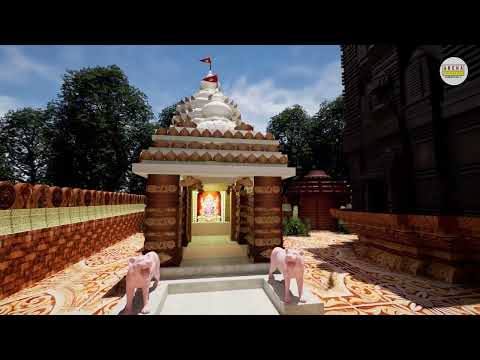

Each project should be presented with a short explanation of the objective, the modelling or scene preparation process, the software used and the final output. Where appropriate, a portfolio can show different stages of the work, such as a basic model, a textured scene and the final rendered image. This helps viewers understand the skills involved rather than seeing only the finished result. If walkthrough or immersive projects are included in the student's actual coursework, these can also be presented through a video or interactive demonstration. Do not advertise walkthrough examples as student work unless genuine projects are available. Use authentic student projects with permission and label them accurately. Avoid invented client names, commercial projects, awards or results. If the institute does not yet have a suitable project gallery, collect genuine examples before adding claims about student achievements.
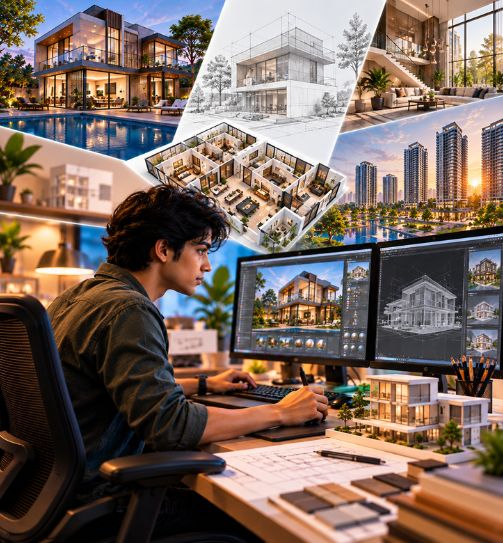
Learn. Practice. Build Your Portfolio. Get Career Ready.
Architectural visualization improves through repeated practice. Students need to understand how modelling, materials, lighting, camera choices and rendering settings affect the final image. Practical assignments can help them identify problems, refine scenes and develop a more consistent workflow.
Portfolio development is important because employers and clients often need to evaluate examples of actual work. A focused portfolio may include interior and exterior scenes, different material treatments, lighting studies and other projects that reflect the learner's strongest skills. Each example should communicate the project objective and the student's contribution.
- 01Recruitment PartnersStudios, production houses & agencies
- 02Internship OpportunitiesReal project exposure
- 03Portfolio & Showreel SupportBuild and present your work
- 04Career GuidancePathways in the creative industry
Eligibility & Admission
Arena Animation's general website FAQ states that students can join courses after Class 10, but individual program requirements can vary. Prospective students should confirm the specific eligibility criteria for the Advanced Program in Architectural Visualization and Interior Design before applying.
The published duration of the program is 580 hours. Ask the institute how the learning hours are scheduled, what the current fees are, which software is included and which documents are required for admission. You should also confirm whether prior experience in 3D modelling, drawing or design software is expected.
If you are comparing a full-length program with shorter software training, Arena Animation also lists a separate Digital Architecture and Interior Design short-term course. Its current published duration is 158 hours. Confirm its syllabus and learning outcomes before comparing it with the 580-hour advanced program.
Interested in an Architecture Visualization Course in Kukatpally, Hyderabad? Contact Arena Animation Kukatpally to enquire about the current syllabus, software coverage, eligibility, course schedule and admission process.
Check Your EligibilityFlexible Learning & Career Pathways
Architectural visualization includes several related areas, and learners may choose to focus on the type of work they enjoy most. Some may prefer interior visualization and the presentation of room layouts, furniture and materials. Others may be more interested in exterior scenes, 3D modelling, surface texturing, lighting or rendered images.
Students who want to explore real-time presentation can ask about the course's Unreal Engine and Twinmotion modules. Those interested in broader 3D production can investigate how the modelling, animation and rendering subjects fit their career goals.
Arena Animation lists a separate Digital Architecture and Interior Design short-term course alongside its advanced program. The short-term course has a published duration of 158 hours, compared with 580 hours for the Advanced Program in Architectural Visualization and Interior Design. Their curricula and outcomes should be compared directly before choosing one.
The right pathway depends on the depth of training you need, your current skills, your available time and the kind of portfolio you want to build. Contact the institute to confirm current availability, software coverage and admission requirements for each option.
Why Study Architecture Visualization in Kukatpally, Hyderabad?
Hyderabad is a growing hub for film, television, digital content, gaming and creative technology, offering studio opportunities, internships and a vibrant creative community.
Frequently Asked Questions
What is an architecture visualization course?
An architecture visualization course teaches digital methods for presenting architectural and interior spaces. Depending on the curriculum, this can include 3D modelling, materials, lighting, rendering, post-production and immersive visualization.
What is the duration of an architecture visualization course?
Arena Animation Kukatpally lists the Advanced Program in Architectural Visualization and Interior Design with a duration of 580 hours. Its separate Digital Architecture and Interior Design short-term course is listed as 158 hours. Confirm the current schedules and details with the institute.
What are the eligibility criteria for admission?
Eligibility depends on the specific program. Arena Animation's general website FAQ says students can join courses after Class 10, but contact the Kukatpally centre to confirm the requirements for the program you want to pursue.
Which software is taught in architectural visualization training?
The published advanced program lists tools including AutoCAD, 3ds Max, SketchUp, Blender, Unreal Engine, Twinmotion, Photoshop, Illustrator and other creative applications. Software coverage varies by module; ask for the current course-specific list.
What is the difference between architectural visualization and architecture?
Architectural visualization focuses on creating digital models, renders and presentations of spaces. Architecture involves the broader professional practice of designing buildings and addressing applicable planning, technical and regulatory requirements. A visualization course is not a substitute for a professional architecture qualification.
What career opportunities are available after an architecture visualization course?
Potential roles include architectural visualizer, 3D architectural artist, interior visualizer, exterior rendering artist, 3D modelling artist and rendering artist. Opportunities depend on software proficiency, practical skills, portfolio quality and employer requirements.
Can beginners learn 3D architectural visualization?
Beginners can explore visualization through foundational design and 3D learning, but they should confirm the entry requirements and expected prior knowledge for the specific course. The published program begins with design and visualization subjects before progressing into advanced 3D workflows.
Where can I enquire about Architecture Visualization course admission in Kukatpally, Hyderabad?
You can contact Arena Animation Kukatpally through the official website's enquiry form or published contact details to ask about course duration, eligibility, fees, software coverage and the current admission process.

Ready to Start Your Architecture Visualization Journey?
Join Arena Animation Kukatpally and turn your passion for architectural visualization into a creative career.
Or call +91 99511 13007