Multimedia Courses in Kukatpally
Looking for Multimedia Courses in Kukatpally, Hyderabad? Multimedia brings together visual design, digital images, graphics, animation, video and interactive content to communicate ideas across different digital platforms.
From creating advertising creatives and brand identities to designing website interfaces and producing digital content, multimedia skills can support a range of creative career paths.
Course enquiry form
excellence
Creative Education with Real-World Skills
Multimedia education combines creative thinking with the practical skills needed to communicate through digital content. Depending on the selected program, students may explore visual design, image editing, illustration, interactive interfaces, animation or other forms of digital production.
Graphic design focuses on communicating ideas through images, typography, colour and layout. UI/UX design concentrates on how people interact with websites, applications and digital products. Game design explores the concepts and visual elements used to create interactive experiences. Animation and video production focus on movement, timing and visual storytelling.
At Arena Animation Kukatpally, Hyderabad, students can explore these creative disciplines through the programs listed on the website. The best starting point depends on whether you enjoy designing visual content, creating digital interfaces, developing game concepts or working with moving images.
A structured learning pathway can help students develop creative observation, visual communication, software proficiency and problem-solving skills. Practical assignments are particularly useful because they allow learners to apply design principles to real creative tasks instead of learning software features in isolation.
Before enrolling, review the syllabus of the specific program you are interested in to understand which subjects are covered and what you will be expected to create.
Why Choose a Multimedia Course?
A multimedia course can help students develop skills across different areas of digital communication and creative production. The right course provides a structured way to understand design principles, practise relevant software and build work that demonstrates what they can do.
Multidisciplinary Creative Skills
Depending on the curriculum, students can explore areas such as graphic design, digital imaging, illustration, interactive design or multimedia production.
Practical Assignments
Working on design briefs and creative exercises helps learners apply concepts such as composition, colour, typography, visual hierarchy and audience communication.
Software Training
Learning the appropriate applications can help students turn concepts into finished designs, graphics, interfaces or digital content.
Project-Based Learning
Individual projects provide opportunities to practise a complete workflow, from understanding a brief and planning a concept to developing and presenting the final output.
Portfolio Development
A portfolio helps demonstrate creative thinking, technical skills and the ability to complete projects. It can be useful when applying for entry-level roles, internships or freelance assignments.
Career Relevance
Multimedia skills may be relevant to advertising, branding, digital marketing, publishing, entertainment, web design, gaming and content production.
Course Structure
The multimedia page lists three main areas: Game Designing, Graphic Design and UI/UX Design. These subjects have different learning objectives, so the curriculum should be explained according to the chosen program rather than presented as one universal syllabus.
Module 1
Design Fundamentals and Visual Communication
- This module introduces the principles of design and visual communication used in multimedia production.
- Fundamentals of Graphic Design
- Colour Theory and Typography
- Layout and Composition
- Principles of Visual Communication
- Digital Illustration Basics
- Photography Fundamentals
- Visual Storytelling
- Creative Concept Development
- Introduction to Digital Media
Module 2
Digital Graphics and Image Editing
- This module focuses on creating, editing and preparing digital visual assets.
- Digital Image Editing
- Image Retouching and Enhancement
- Photo Manipulation
- Vector Graphics
- Logo and Brand Identity Design
- Poster and Banner Design
- Brochure and Promotional Material Design
- Social Media Creative Design
- Digital Asset Preparation
Module 3
Audio and Video Production
- This module introduces the processes involved in creating and editing multimedia video content.
- Video Production Fundamentals
- Camera and Shot Composition
- Cinematography Basics
- Video Editing Techniques
- Transitions and Visual Continuity
- Audio Editing and Sound Fundamentals
- Voice and Music Integration
- Titles and Graphics for Video
- Exporting Digital Video Content
Module 4
2D Animation and Motion Graphics
- This module explores animated graphics and visual elements used in digital communication.
- Principles of 2D Animation
- Timeline-Based Animation
- Keyframes and Motion
- Text Animation
- Motion Graphics Fundamentals
- Animated Titles and Infographics
- Basic Character Animation
- Digital Presentation Design
- Short Animated Content Creation
Module 5
Multimedia Content Production
- This module focuses on combining graphics, video, audio and animation into complete multimedia projects.
- Multimedia Project Planning
- Visual Content Development
- Digital Advertising Creatives
- Video and Graphic Integration
- Presentation and Interactive Content Basics
- Web and Social Media Assets
- Digital Publishing Fundamentals
- Creative Project Development
- File Formats and Media Optimisation
Module 6
Practical Projects and Portfolio Development
- This module focuses on applying creative and technical skills to practical assignments.
- Logo and brand identity design
- Posters, brochures and promotional banners
- Social media graphics
- Photo editing and image composition
- Short promotional video editing
- Animated titles and motion graphics
- Multimedia presentations
- Integrated digital content projects
What Will You Learn?
The practical outcomes of multimedia training depend on the selected course. The following skills explain what students may develop when the corresponding subjects are included in their syllabus.
Graphic Design Fundamentals
Learn how colour, shape, contrast, spacing and composition influence the way a design is understood. These principles help you create visuals that communicate a message clearly and suit the intended audience.
Digital Imaging and Photo Editing
Understand how digital images can be adjusted, retouched, combined and prepared for different uses. Image-editing skills are useful for advertising creatives, digital campaigns, product visuals and other visual communication tasks.
Typography and Visual Communication
Explore how fonts, text hierarchy, spacing and alignment influence readability and visual impact. These skills help you organize information and create designs that communicate effectively across print and digital formats.
Illustration and Digital Artwork
Develop the ability to create or refine visual concepts using appropriate drawing and digital illustration tools. Illustration can support branding, editorial design, character concepts and other creative applications, depending on the program.
Animation and Motion Graphics
When included in the chosen curriculum, animation and motion graphics training helps students communicate through moving images, animated text, transitions and visual sequences. These skills are relevant to video content, advertising and digital storytelling.
Video Editing and Post-Production
Video editing involves arranging footage, managing transitions, refining timing and preparing a sequence for its intended platform. Audio, colour correction, titles and other finishing techniques may be included depending on the course.
Creative Project Development
Learn to interpret a brief, explore ideas, select suitable visual approaches and develop a finished project. Reviewing and refining the output helps improve consistency, clarity and technical quality.
Portfolio Building
A portfolio presents selected work in an organized and professional format. Students should aim to show the purpose of each project, the skills used and their individual contribution, where relevant.
Industry-Standard Software & Tools
Multimedia software supports different creative tasks. Some applications focus on image editing and illustration, others on page layout, motion graphics, video editing or 3D content production.
The exact applications taught at Arena Animation Kukatpally should be confirmed against the current syllabus for the chosen course. The following tools are relevant to multimedia training, but this list should not be interpreted as confirmation that all of them are included in every program.
Software proficiency should be developed alongside creative judgment. Students should ask which applications are taught in their selected program, how much practical time is allocated to each tool and what projects they will complete using them.
Career Opportunities
Multimedia training can support different creative career paths, depending on the student's specialization, practical skills, portfolio quality and experience. Completing a course does not guarantee employment or a particular salary.
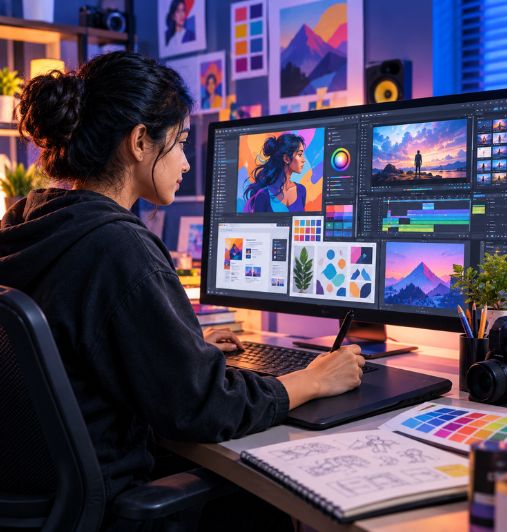
Multimedia Designer
Creates visual content across different media, potentially combining graphics, images, layouts and digital assets. The role requires adaptability and an understanding of visual communication.
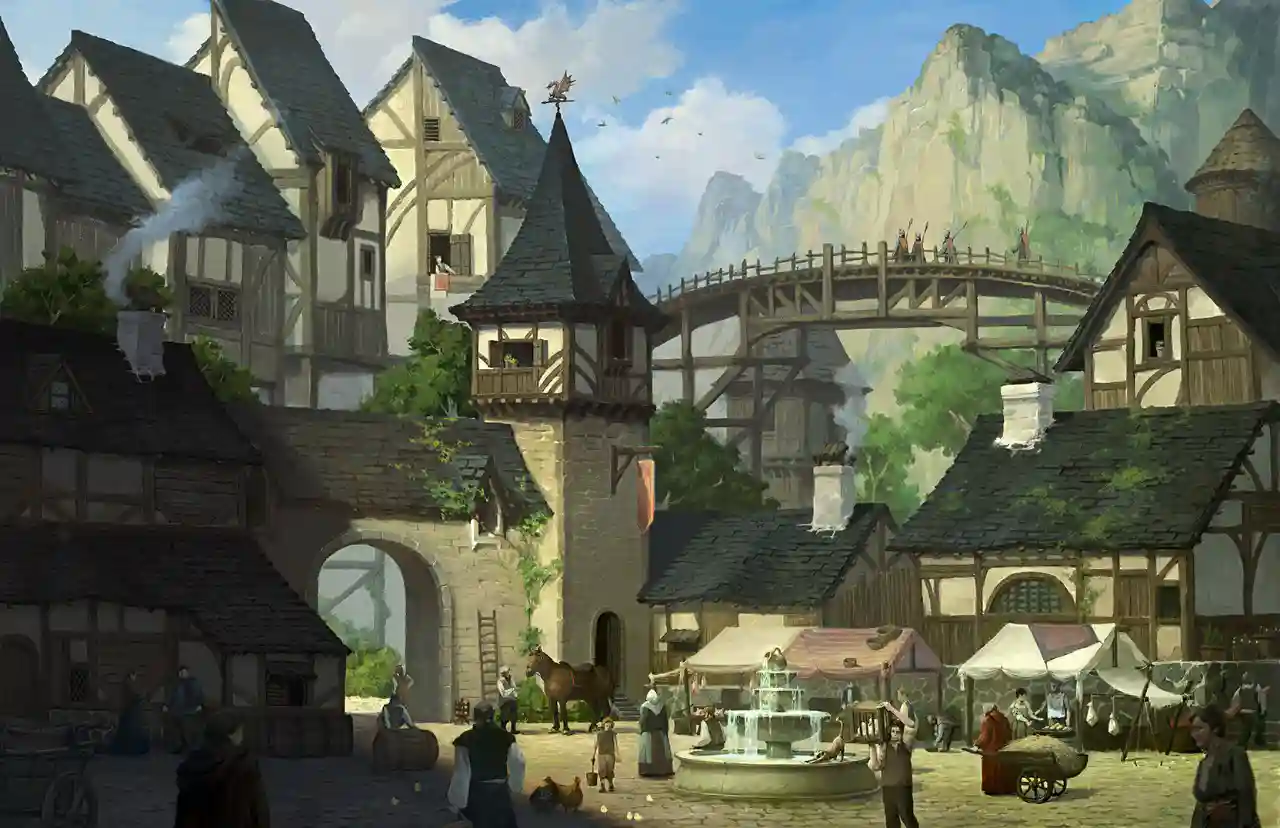
Graphic Designer
Develops designs for branding, advertisements, social media, publications, packaging and other communication needs. Typography, composition, colour and image-editing skills are important.
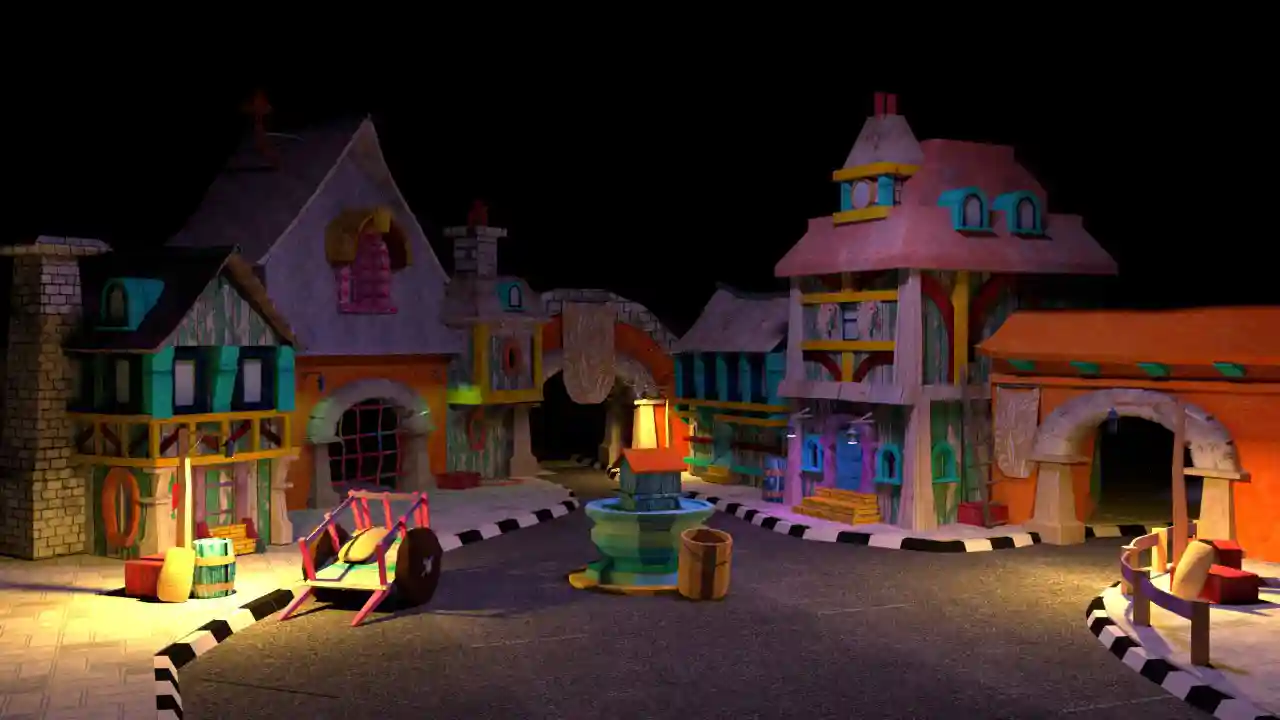
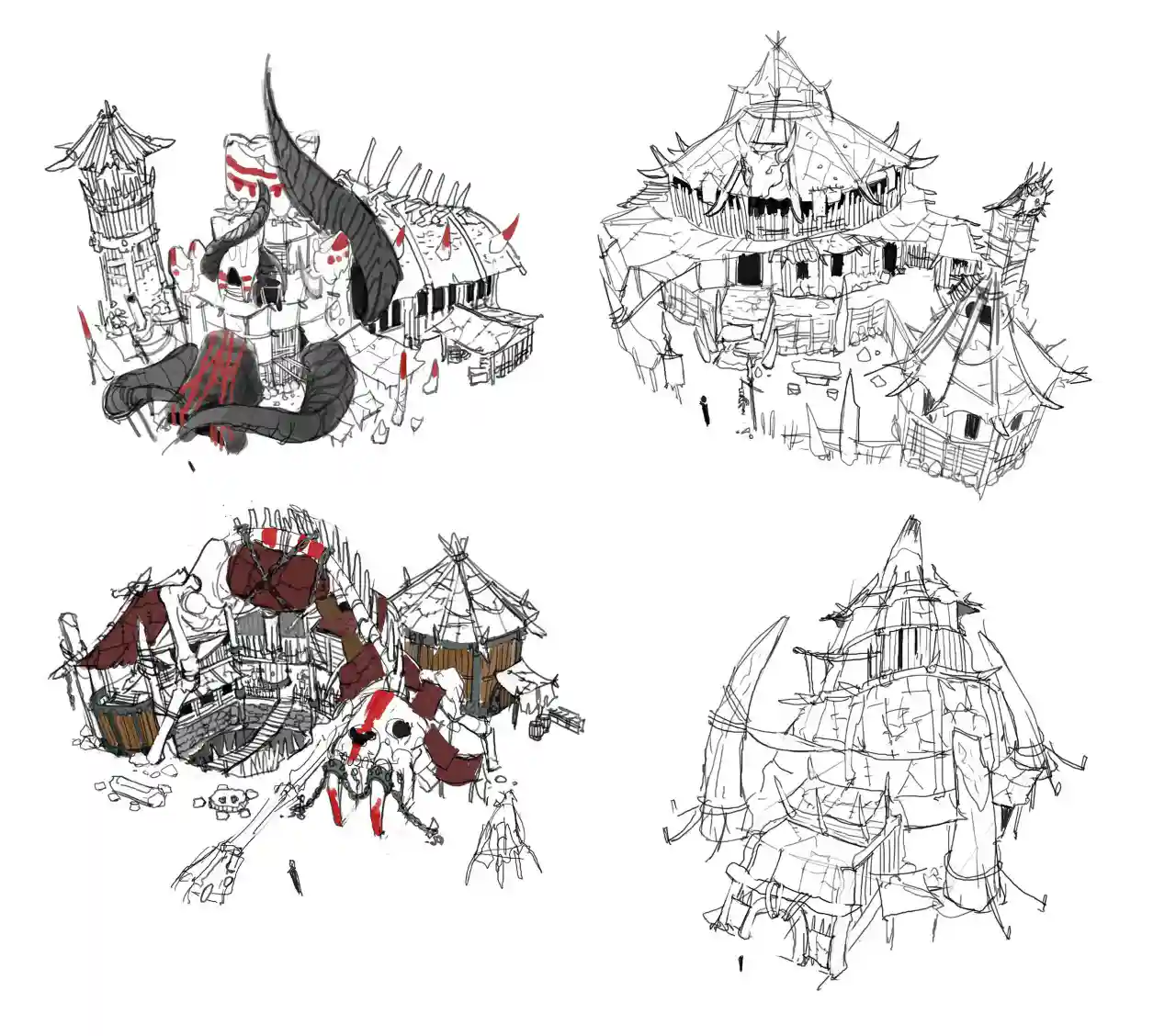
Digital Artist
Creates digital illustrations, artwork and visual concepts using suitable creative software. The work may support advertising, publishing, entertainment or other creative projects.
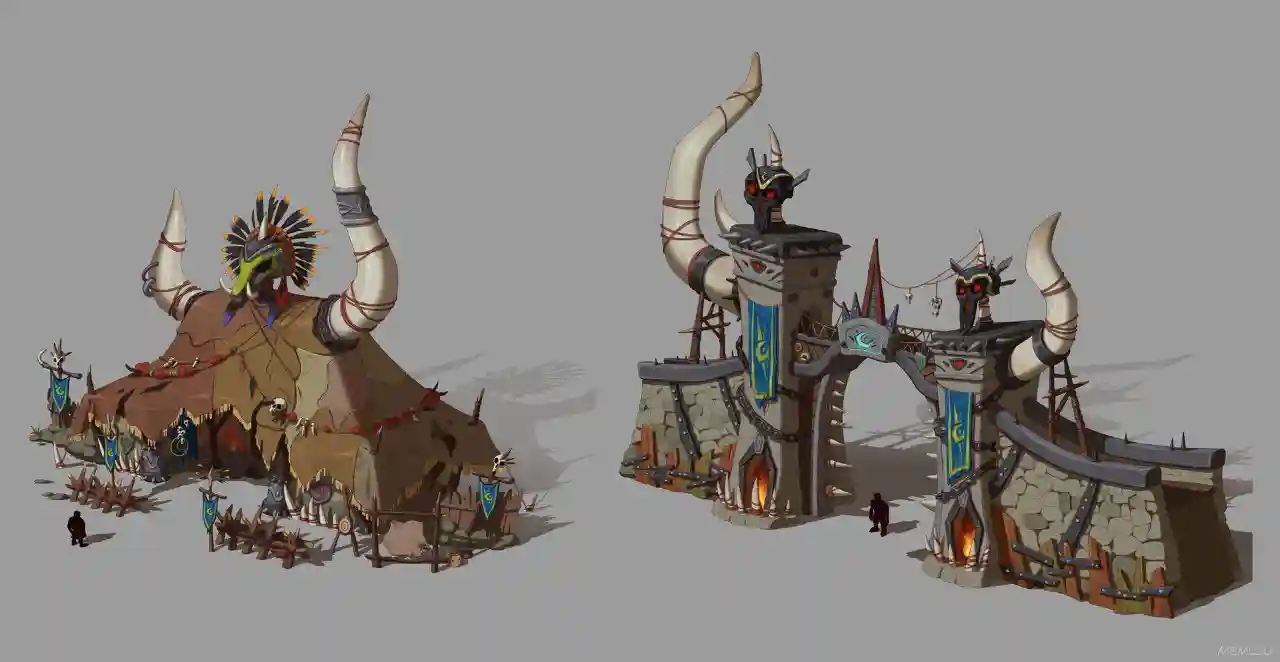
Image Editing Artist
Edits and refines digital images for visual consistency, accuracy and presentation. The role can involve retouching, masking, image correction and compositing, depending on the employer's needs.
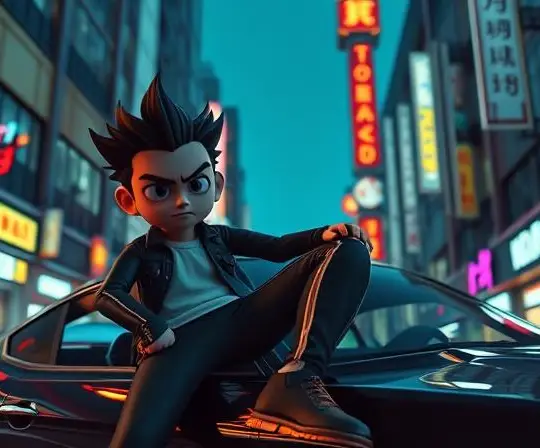
Motion Graphics Artist
Creates animated text, graphic elements, transitions and visual sequences for video, advertising and digital content. Motion design skills and relevant software knowledge are useful.
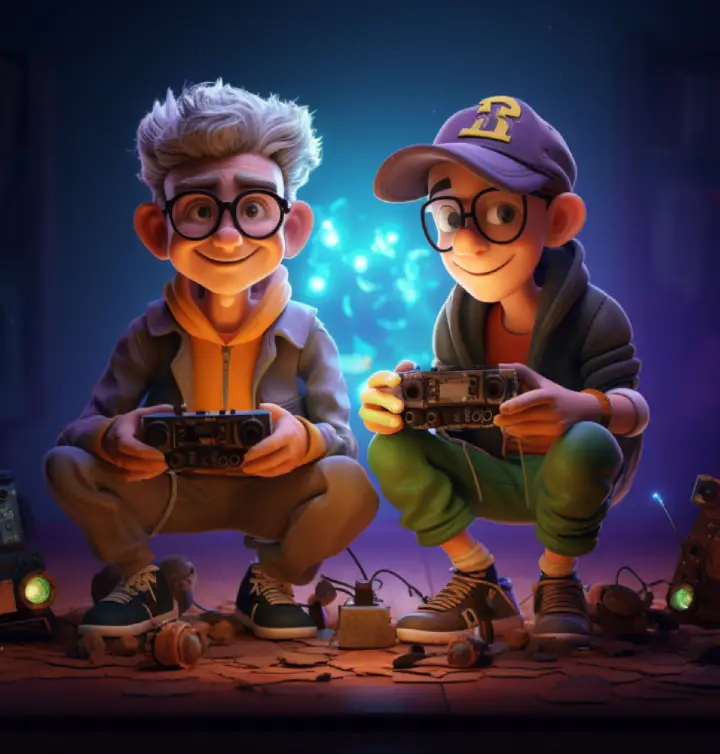
Video Editor
Organizes footage into coherent sequences, manages pacing and transitions, and prepares finished video content. Audio synchronization, titles and other post-production skills may also be required.
Student Work & Showreel
A portfolio is one of the most useful ways to demonstrate multimedia skills. It shows how a student approaches a creative brief, develops an idea and turns it into a finished piece of work.
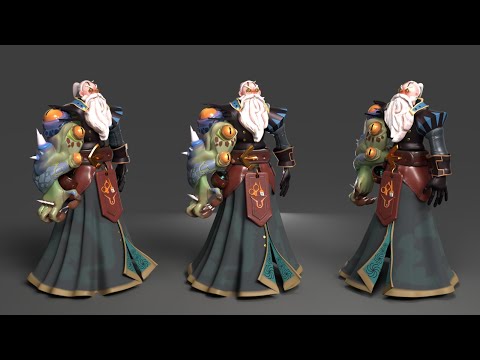
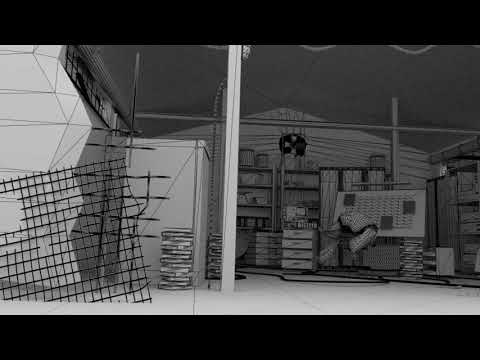
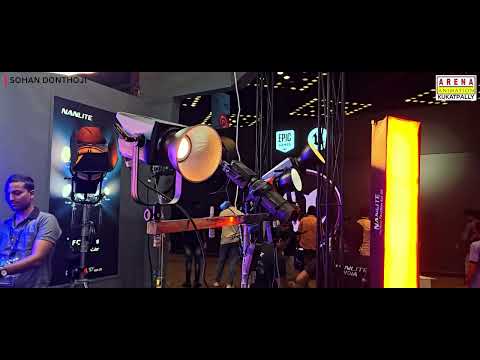
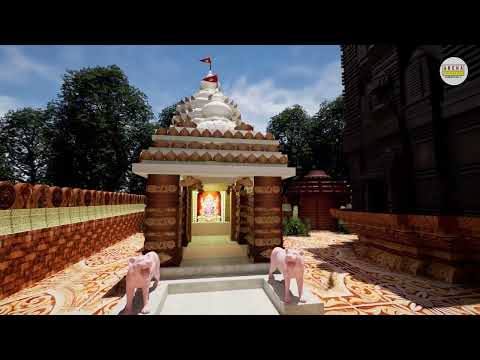
Where authentic student projects are available, showcase examples such as graphic designs, digital illustrations, image-editing work, branding layouts, motion graphics, video edits or animation projects, depending on the relevant course. Each project should include a short description of its objective, the student's contribution, the software used and the main skills demonstrated. For collaborative projects, clearly identify the individual's role.
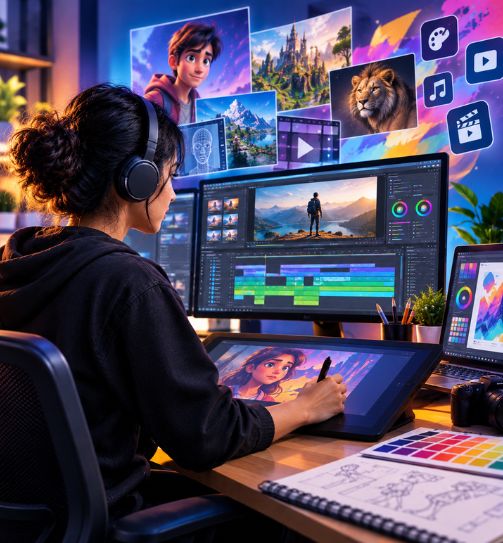
Learn. Practice. Build Your Portfolio. Get Career Ready.
Creative skills improve through repeated practice, feedback and refinement. Practical assignments can help students move from individual software techniques to complete projects that demonstrate their understanding of design and digital production.
For example, a graphic design project may involve interpreting a brief, choosing a visual direction, developing a layout and refining the final design. A UI/UX project may involve organizing content, planning user flows and presenting interface concepts.
- 01Recruitment PartnersStudios, production houses & agencies
- 02Internship OpportunitiesReal project exposure
- 03Portfolio & Showreel SupportBuild and present your work
- 04Career GuidancePathways in the creative industry
Eligibility & Admission
The right multimedia course depends on your educational background, creative interests and preferred career direction. Arena Animation Kukatpally's current multimedia page identifies Graphic Design, Game Designing and UI/UX Design as its main areas of study.
The page states that students can enrol in its multimedia courses after Class 12. Confirm the eligibility requirements for the specific program before applying, particularly if you are comparing different course types or specialist options.
Course Duration
The current page explains that course durations are given in learning hours and do not directly indicate the number of calendar days needed for completion. A single verified duration for all multimedia programs is not provided.
Ask the centre to confirm the total learning hours, teaching schedule and expected completion period for the program you are considering.
Admission Process
Start by identifying the subject that best matches your interests: graphic design, UI/UX design, game design or another creative specialization. Review the official curriculum and ask about the software, projects and learning outcomes.
Before submitting an application, confirm the educational requirements, course duration, current fee structure and documents required for admission. These details should come directly from the admissions team rather than being assumed from another program.
Interested in multimedia training in Kukatpally, Hyderabad? Contact Arena Animation Kukatpally to request the latest course details, confirm eligibility and compare the available learning options.
Check Your EligibilityFlexible Multimedia Learning Pathway
Multimedia includes several related creative disciplines, but each requires a different combination of skills. Choosing a specialization can help students focus their learning and build a portfolio suited to their preferred type of work.
Students interested in visual identity, advertising and layouts can explore graphic design. Those interested in website and application experiences can investigate UI/UX design. Learners drawn to interactive experiences can explore game design, while students interested in moving images can investigate animation, motion graphics and video editing through the relevant programs.
Arena Animation Kukatpally also lists related learning options on its website. Students can compare the Animation Course, VFX Course, B.Voc. in 3D Animation & Visual Effects and short-term courses to understand how their curricula differ from the multimedia offerings.
These programs should not be treated as interchangeable qualifications. Review the official course names, duration, eligibility, modules and outcomes before selecting a pathway.
Why Study Multimedia in Kukatpally, Hyderabad?
Hyderabad is a growing hub for film, television, digital content, gaming and creative technology, offering studio opportunities, internships and a vibrant creative community.
Frequently Asked Questions
What is a multimedia course?
A multimedia course teaches skills used to create and communicate through digital visuals and media. Depending on the curriculum, it may include graphic design, digital imaging, illustration, interactive design, animation, video production or related subjects.
What is the duration of a multimedia course?
The duration depends on the selected program. Arena Animation Kukatpally states that course durations are expressed in learning hours, but a single verified duration for every multimedia option is not available on the current page. Contact the centre for the specific course duration and schedule.
What are the eligibility criteria for multimedia courses?
The current multimedia page states that students can enrol after Class 12. Confirm the exact eligibility requirements for your selected program before admission.
Which software is taught in multimedia training?
The software depends on the course. Relevant tools may include Photoshop for image editing, Illustrator for vector graphics, InDesign for page layouts, After Effects for motion graphics and Premiere Pro for video editing. Confirm the actual software list in the current syllabus.
What subjects are covered in a multimedia course?
Subjects depend on the program. Graphic design focuses on visual communication, UI/UX design on digital user experiences, and game design on interactive experiences. Other multimedia programs may cover animation, image editing, motion graphics or video production if those subjects are included in their curriculum.
What career opportunities are available after a multimedia course?
Potential roles include multimedia designer, graphic designer, digital artist, image editing artist, motion graphics artist, video editor, visual content creator and 2D animator. Career opportunities depend on the student's specialization, portfolio, practical skills and employer requirements.
Is drawing experience necessary to learn multimedia design?
Drawing can be useful for illustration and some visual design tasks, but many multimedia roles also depend on layout, typography, image editing, software skills and problem-solving. Ask the centre whether your chosen program requires prior drawing experience.
Where can I enquire about multimedia course admission in Kukatpally, Hyderabad?
Arena Animation Kukatpally is located at KSR Plaza, 2nd Floor, above HDFC Bank, Kukatpally, Hyderabad – 500072. The website lists +91 99511 13007 and +91 99511 14007. You can also use the enquiry form on the multimedia course page to request the latest program details.

Ready to Start Your Multimedia Journey?
Join Arena Animation Kukatpally and turn your passion for design and digital media into a creative career.
Or call +91 99511 13007